More characters.
More possibilities.
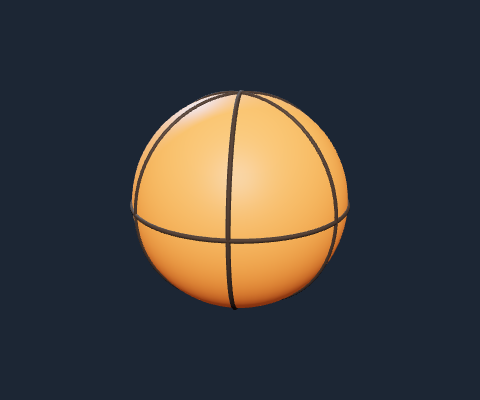
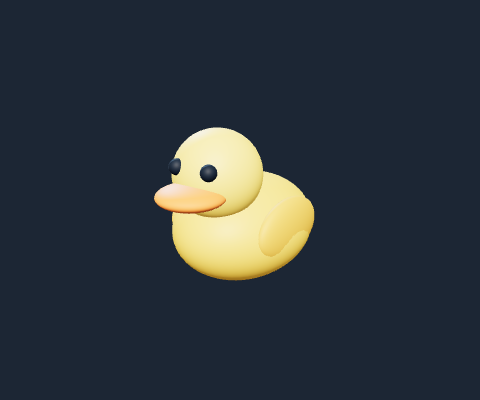
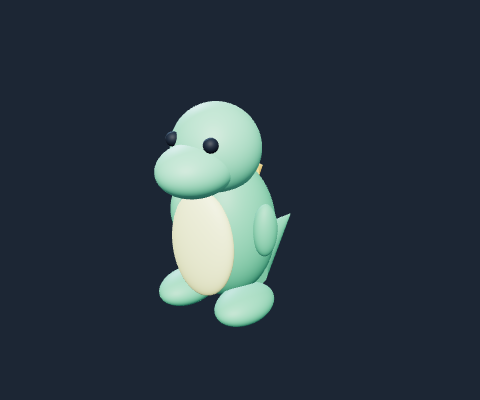
Start with original robots, animals, sports gear and cartoon props. Every example has editable parts and works offline. Import textured meshes and refine the material finish.
 FORG3DSTUDIO
Open studio
A new space for your next idea
Start with a thought. Shape it into something you can turn, tweak, and take into your next project.
Explore the demo without an account or API key.
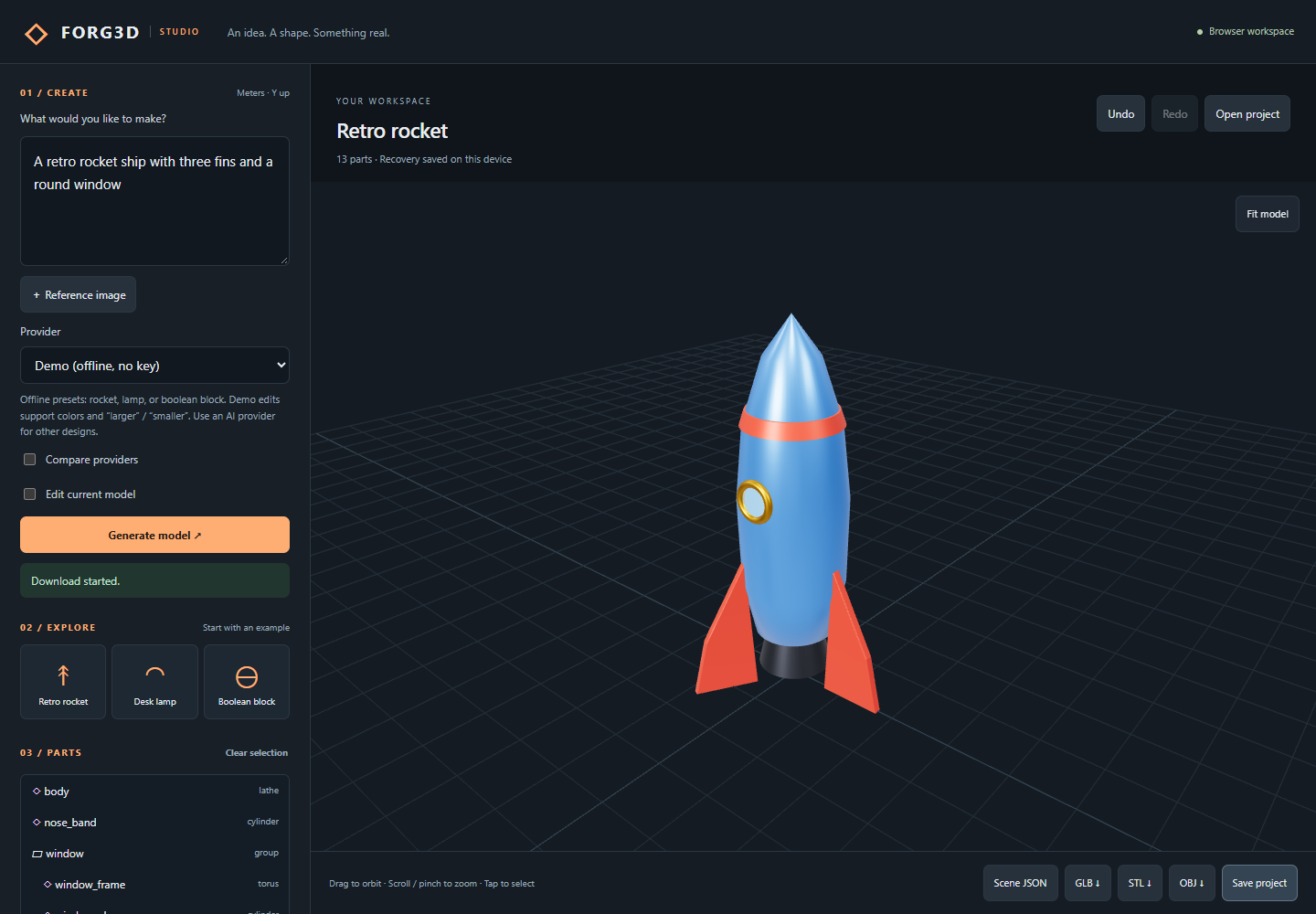
“A retro rocket with three fins
and a round window.”
Bring your own provider key. Model access and usage charges are handled by your provider.
01 / THE STUDIO
Keep moving from the first shape to the small details. Forg3d gives you a visible, editable scene at every step.
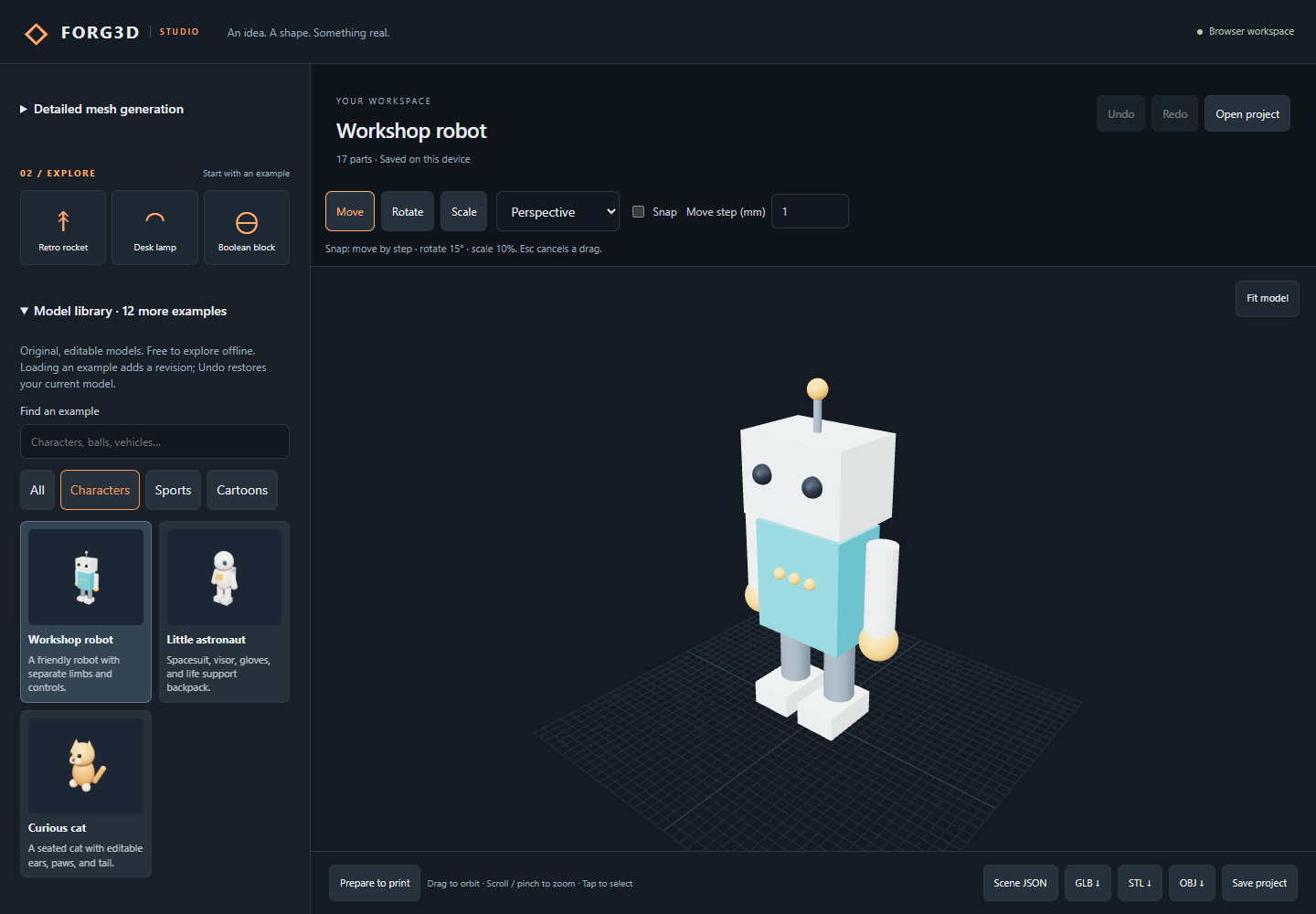
Start with original robots, animals, sports gear and cartoon props. Every example has editable parts and works offline. Import textured meshes and refine the material finish.
Name your projects, browse thumbnails, and return to your autosaved work. Save reusable parts and recover earlier versions.
Import GLB, STL or OBJ. Inspect dimensions, open edges and sampled thin walls. Preview repairs, preserve the original and export 3MF for your slicer.
PLAY WITH A STARTING POINT
Original models, editable parts, zero API credits. Try 15 examples ready to load in the studio.
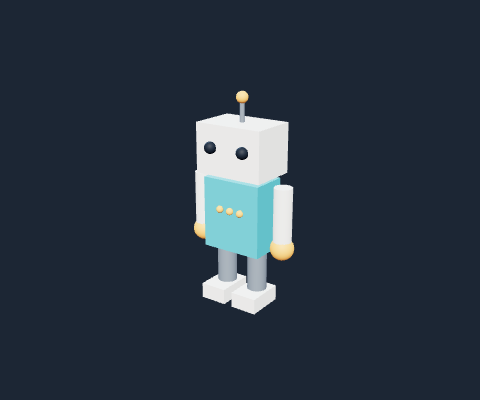
READY FOR ITS CLOSE-UP
Find the right light. Save a clean image. Let someone turn your model around and see the details for themselves.
Sample viewer: a 50 mm corner bracket. Larger models travel in viewer files.
02 / FROM IDEA TO OBJECT
No blank canvas anxiety. Begin with words, a sketch, or an example—and see where it takes you.
Read the getting-started guide ↗Write a prompt or attach a reference image. Choose a compatible AI model, or explore the offline character, sports and cartoon library.
Orbit the model, select a part, and refine it in plain language. Undo, redo, and revisit previous revisions as you explore.
Save an editable project or export geometry for your next tool. Check generated geometry in your target application before production or printing.
03 / FIND YOUR WORKSPACE
Start in your browser or try the native preview on your device.
Windows 10/11 · 64-bit
Download for Windows ↓4.9 MB · Unsigned preview installerApple silicon
Download for Mac ↓6.6 MB · Unsigned app archiveDebian / Ubuntu · x64
Download for Linux ↓8.5 MB · Debian packageThese are development previews, not signed production releases. Your operating system may warn about an unrecognized publisher. Review the release notes and file checksums before installing.
Arm64 · Android 7 or later with an up-to-date WebView. This is a debug APK for testing, not a Play Store release.
Download test APK · 188.9 MB ↓For developers using Xcode on an Apple silicon Mac. This build does not install on an iPhone; device and App Store distribution are still ahead.
Download simulator build · 24.8 MB ↓04 / GOOD TO KNOW
Not for Demo mode. It includes presets and simple color or size edits. For AI-generated models, use your own key for OpenAI, Claude, Gemini, or Grok, or connect a compatible local model. Provider charges are separate.
In the browser, manually entered keys stay in memory and clear on reload. Native apps can save keys in OS-protected storage. Projects, thumbnails and imported assets stay on your device; export project files for portable backups. Prompts and images go to the providers you select when you generate.
You can attach a PNG, JPEG, or WebP reference under 4 MB when using a vision-capable model. It guides scene generation; Forg3d does not promise an exact 3D scan or photogrammetry reconstruction.
STL export converts scene meters to millimeters. AI-generated shapes still need inspection for scale, intersections, closed surfaces and printability in a slicer. Boolean tools help create solids, but a generated model is not automatically print-ready.
The studio includes OpenAI, Claude, Gemini, Grok and local OpenAI-compatible connections. OpenAI text and image generation have been live-tested. Other adapters are implemented and protocol-tested; availability and image support depend on your account and chosen model. Native apps avoid browser CORS restrictions.